 Heuristics AI
Worker file / 013
GrowthADA Accessibility Analyst.
A defined role. Discovery, implementation and configuration come before deployment. Not running for a customer yet.
- Reports to
- The owner
Scans your site, ranks accessibility issues and drafts fix notes.
01 / The assignment
A clear job. A named supervisor.
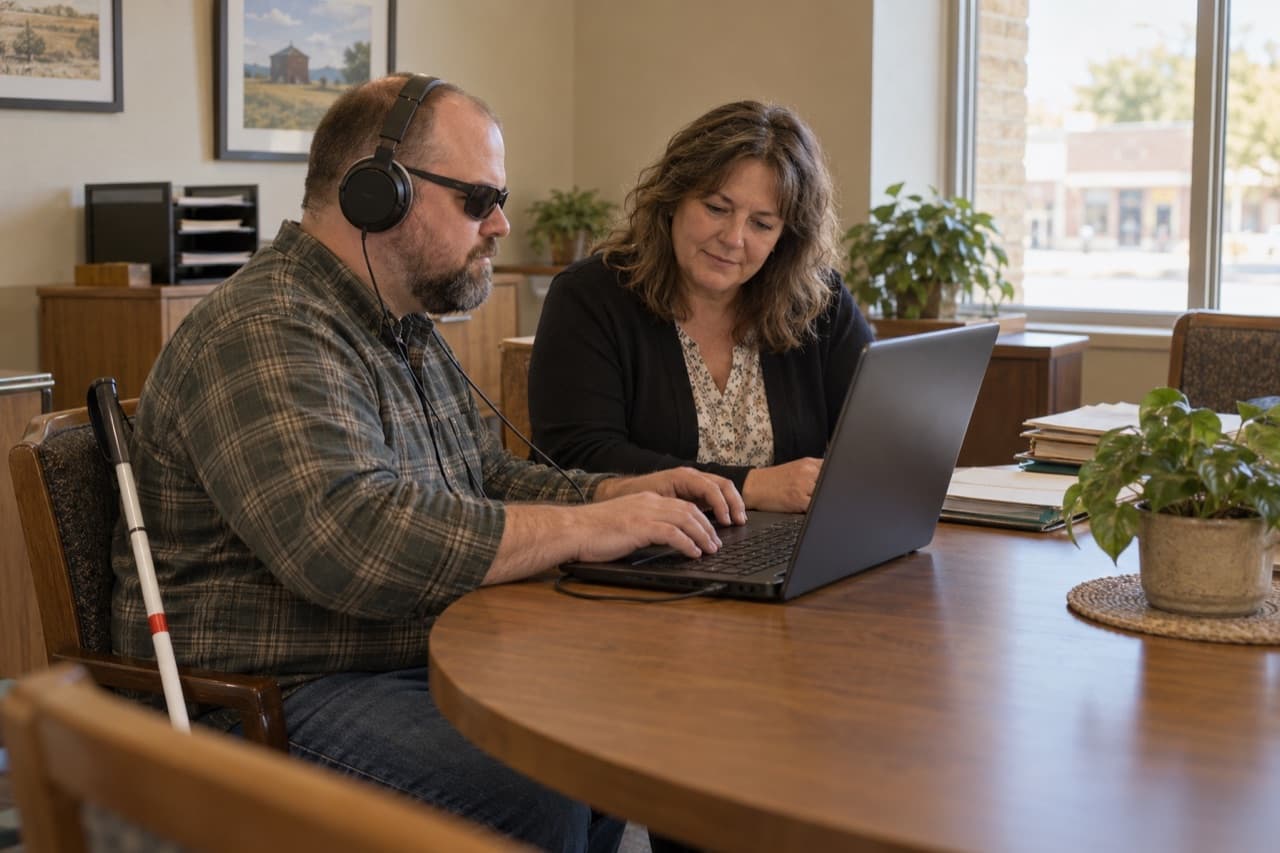
We hire this worker to scan your website for accessibility barriers and tell you what to fix first. It ranks what it finds, explains each issue in plain words, and drafts fix notes your web developer can act on. It informs your fixes. It does not certify that a site meets any standard.
02 / Scope of work
What it does.
Scan the pages you choose for common accessibility barriers.
Rank the issues by how much they affect real visitors.
Explain each issue in plain words, with where it appears.
Draft fix notes a developer can follow.
Re-scan after changes to see what is resolved.
Keep a running list of open and fixed issues.
Send the owner a short report after every scan.
03 / Tools and information
Works where the job lives.
Access and permitted actions are agreed during setup. Only the information and systems this job needs.
Your website
04 / Safeguards and supervision
Built with
boundaries.
These limits are part of the job description.
The owner
What it will never do
- Certify that a site is accessible or compliant.
- Give legal advice.
- Change your website.
- Say that an automated scan finds every issue.
- Mark an issue fixed until a re-scan shows it is.
Hands to a person
- Ranked findings. It informs fixes and does not certify compliance
- Fix notes for your developer
- Items that need a person to test by hand
Approval and follow-through
If nobody acts on the findings, they stay on the open list and appear in the next report. It never edits your site.
05 / A week on the job
The shape of a working week.
A typical week.
- Mon
Scans the pages you chose and builds the first list of issues.
- Tue
Ranks the issues and explains the top five in plain words.
- Wed
Drafts fix notes for the developer, starting with the form labels.
- Thu
The developer fixes two issues. The worker re-scans and marks them resolved.
- Fri
Sends the owner a short report and lists what needs a person to test by hand.
06 / In practice
You set the level of supervision.
The role's boundaries stay in place at every setting.
Supervision
Pick a setting to see which steps still go to a person. What a worker may do on its own is agreed during setup.
3 of 5 steps go to a person2 done by the worker
- 01
The scan runs on your pages.
Worker does it - 02
It ranks the issues.
Worker does it - 03
It drafts fix notes.
Person approves - 04
A fix goes live on your website.
Always a person - 05
The re-scan updates the open list.
Person approves
Approve: the worker does each step, and nothing leaves or changes until a person approves.
07 / Getting started
Like bringing on a new hire.
Stop after any step.
- 01
Map the process
We sit with your team and draw how this job moves today. You keep the map.
- 02
Run a work sample
The worker does a few of your real past tasks. You compare the results with your team’s.
- 03
Connect your tools
Only what the job needs: your website. Revoke access any time.
- 04
Supervised trial
Your team reviews everything before it goes out, and we adjust the rules each week.
- 05
Go live, at your pace
Raise how much it does on its own where the trial earned it. Or keep approving every step.
08 / Commercial terms
How it is priced.
Monthly subscription.
- Setup
- A one-time setup, where we map your process and configure the worker.
- Monthly
- A monthly subscription for this worker.
From $100/mo. Monthly subscription. Up to 25 pages.
Talk through the scope09 / Questions
Before you bring it on.
What does an accessibility analyst do?
It scans your website for accessibility barriers, ranks them, explains them in plain words and drafts fix notes for your developer.
Can an automated scan make my website accessible?
No. A scan finds many common issues, but not all of them. The worker helps you decide what to fix first. People still need to test by hand.
Does the Accessibility Analyst certify compliance?
No. It informs your fixes. It does not certify that a site meets any standard and it does not give legal advice.
Will it change my website?
No. It writes fix notes for your developer. It never edits your site.
/ Yours. The next worker
is drawn around your process.
The next assignment / Yours
Your process looks different? That's normal. Tell us about it.
Show us how the work moves today. We'll help define the right worker and where your team stays in control.