Heuristics AI
After hours · 6:47 PM

From customer inquiries and follow-ups to proposals and paperwork, we build AI workers around your business. Your people stay in control.

Book a free 30-minute call
See it for
Receptionist · Appointment bookSalon appointment request
Working
Reading the request
SaturdayDDana
9:0010:0011:0012:001:00Cut and style · M. OrtizPreferred: balayage, 3 hHeld · your front desk approves
Balayage · 3 h · with Dana

Name, phone and preferred time passed to staff. No price quoted.

A person approves before anything goes out

Follow one request through your business.

One after-hours message, from the moment it arrives to the moment your front desk confirms it.

AI workerYour person
01 · 7:40 PMReceptionistAI worker

A new customer writes to your website after hours. The worker says it is automated, answers from your approved facts, notes the preferred time and takes a message.

Message taken. Nothing promised.

02 · OvernightDocument ClerkAI worker

It reads the forms and details that came with the message, files them where your team keeps them, and flags anything missing.

Filed. One missing item flagged.

03 · 6:30 AMInquiry CoordinatorAI worker

A reply and any callback are drafted in your voice from your approved wording. Nothing has been sent.

Waiting on your front desk

04 · 8:05 AMYour front deskYour person

Your front desk reads the summary, changes one line and confirms the time. Only then does it go to the customer.

Approved. Now it goes to the customer.
Like bringing on a new hire. Stop after any step.

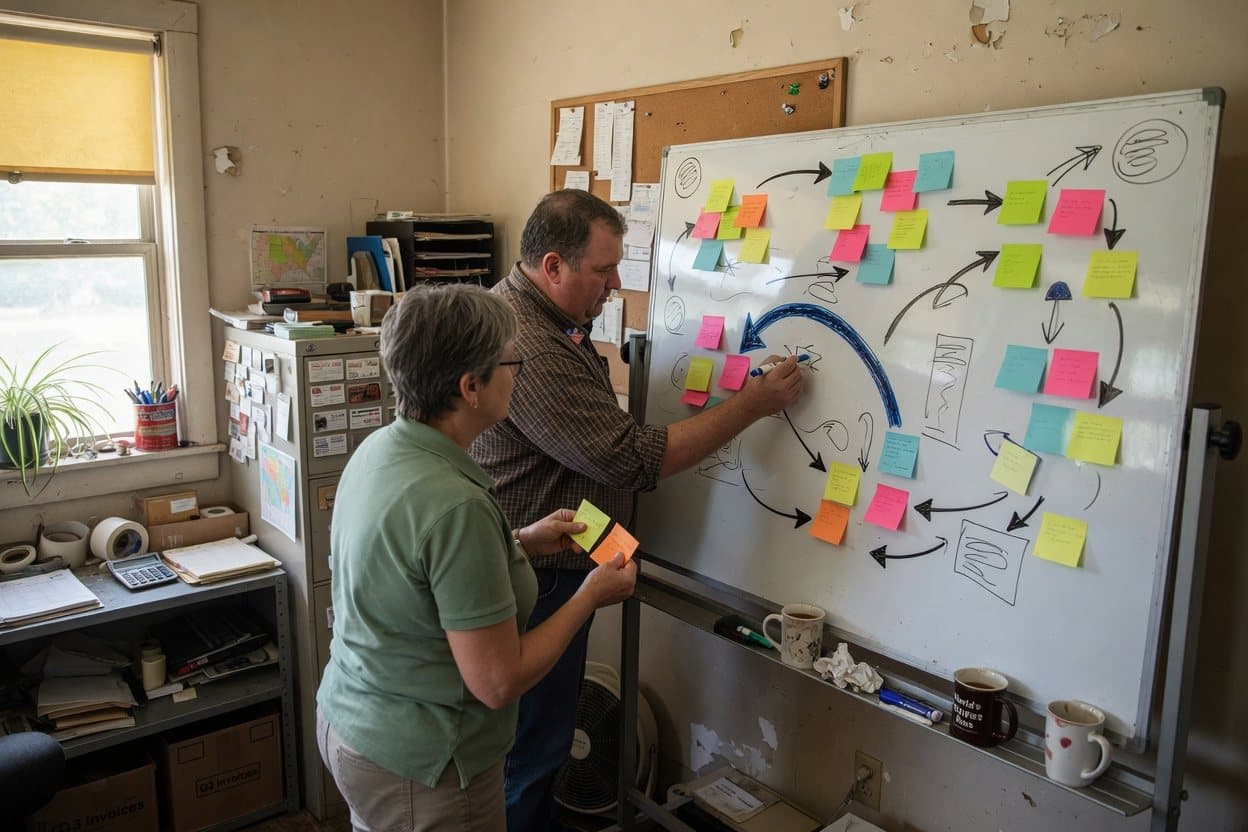
  1. An owner and a consultant mapping a process with sticky notes on a whiteboard in a back office
    01

    Map the process

    We sit with your team and draw how the work moves today. You keep the map.

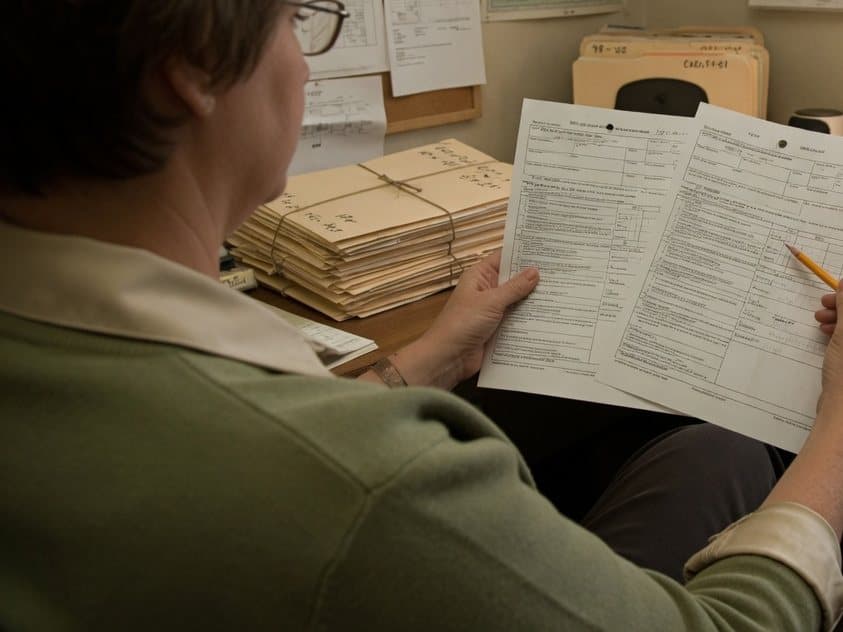
  2. An office manager comparing two printed versions of the same form, pencil in hand
    02

    Run a work sample

    The worker redoes a few of your past cases. Its results should land close to your team’s.

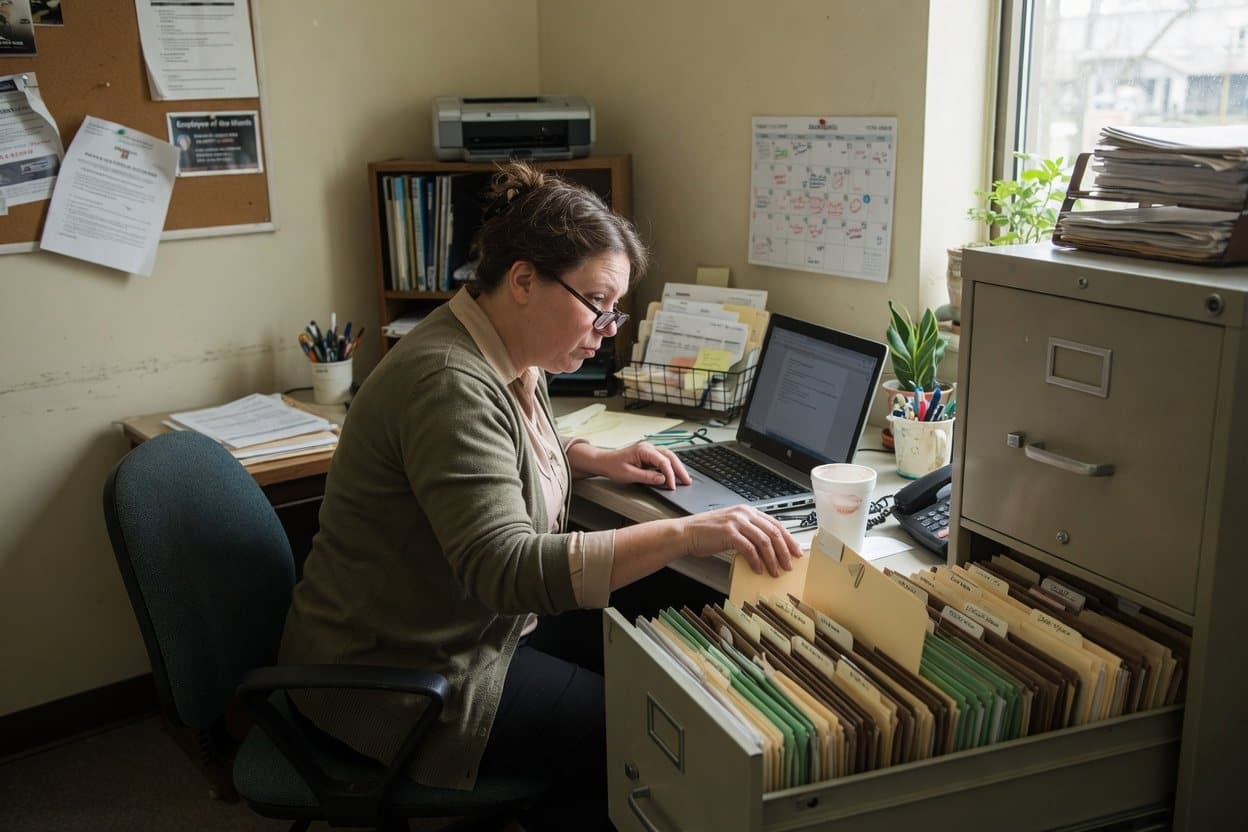
  3. An office manager at a laptop beside an open filing cabinet, choosing which folders to share
    03

    Connect your tools

    Only the folders and calendars the job needs. Revoke any time.

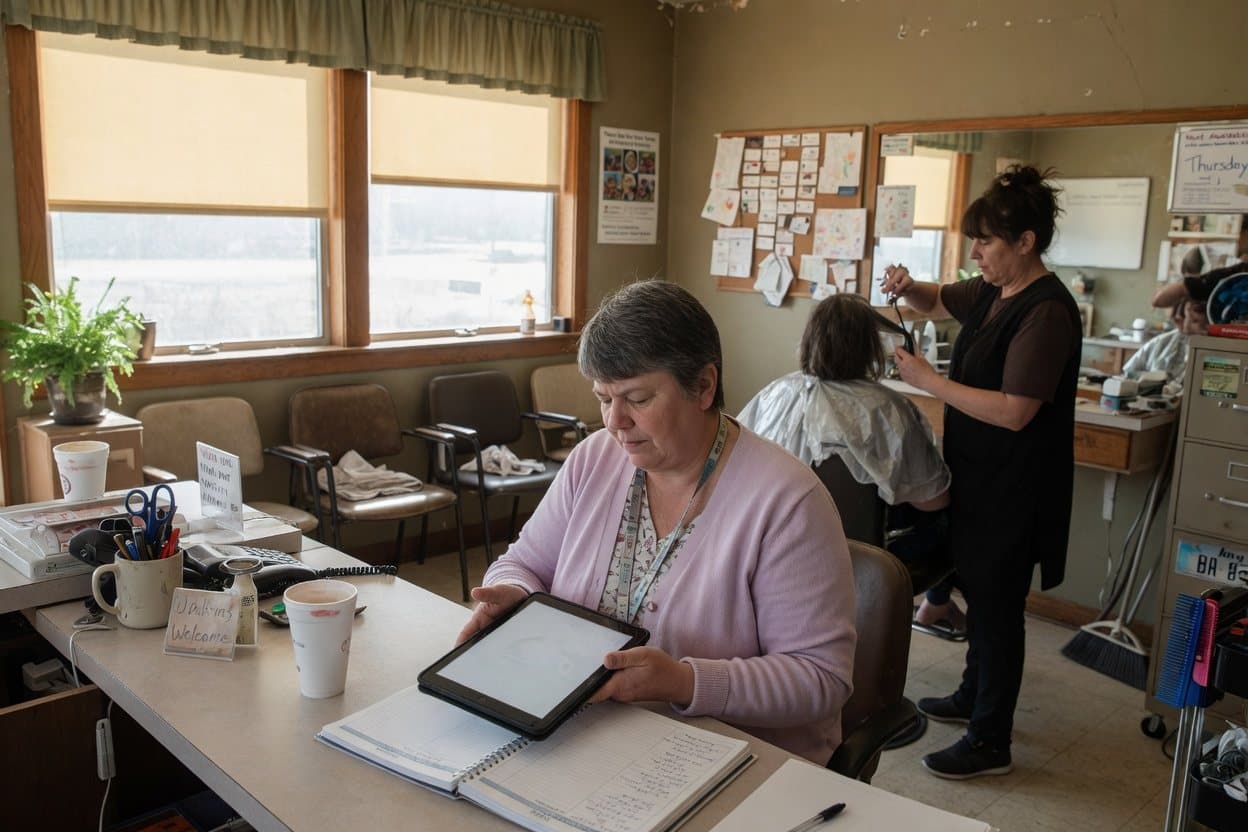
  4. A salon receptionist reviewing a draft on a tablet while a stylist works behind her
    04

    Supervised trial

    Your team reviews every draft, and we adjust the rules each week.

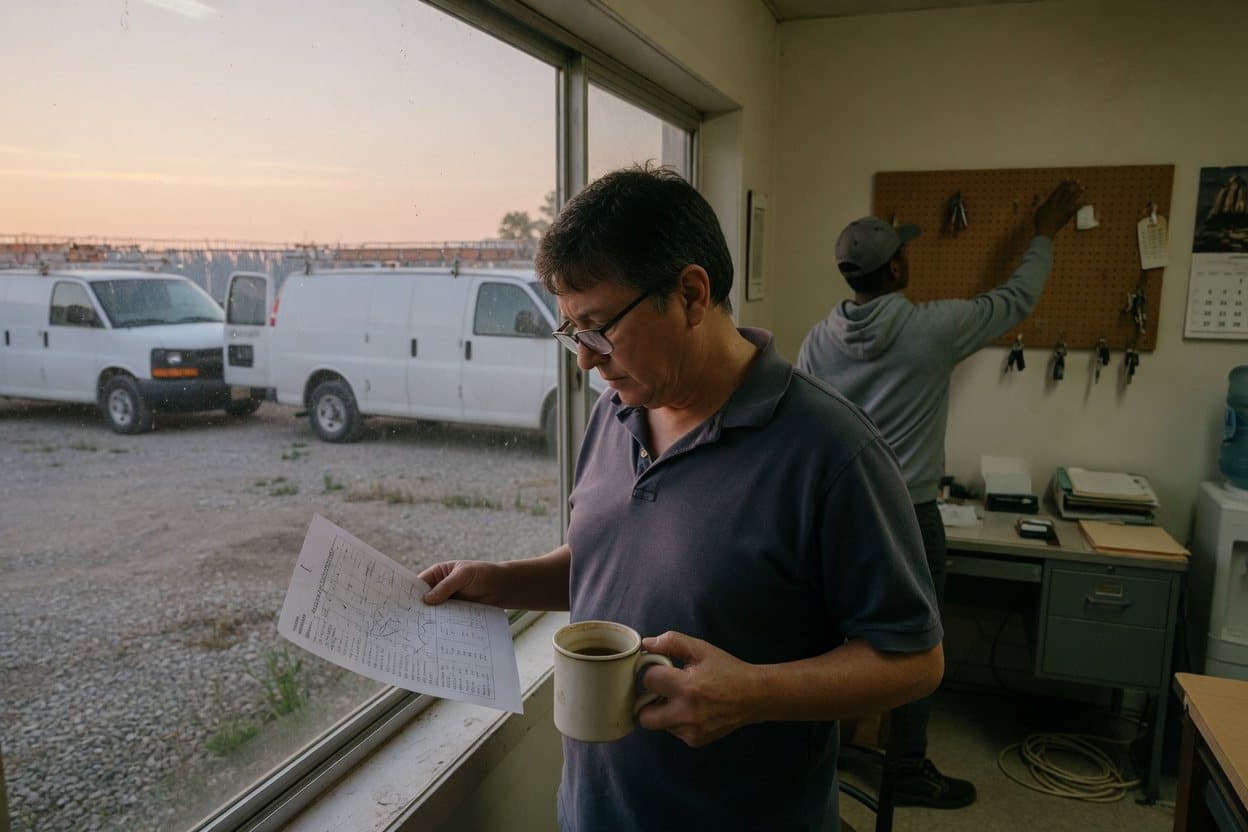
  5. A home services owner reading the morning summary by the window as a crew member collects van keys
    05

    Go live, at your pace

    Raise how much it does on its own where the trial earned it.

See the five steps in full

One place to see what’s waiting on you.

Every request, who has it, how long it has waited, and what each worker did. This is a drawn sample with a fictional business.

Owner viewSample workspace · fictional dental office

4 items waiting on your people

Front desk2 waiting

  • Confirm
    Appointment holdNew patient, cleaning, Tue 9:30 AM
    Prepared by ReceptionistWaiting 2 h
  • Fix
    Intake form checkMissing insurance card photo
    Prepared by Document ClerkWaiting 20 min

Office manager2 waiting

  • Approve
    Callback to approveMissed message about a crown
    Prepared by ReceptionistWaiting 1 h
  • Approve
    Follow-up draftInquiry with no reply after 2 days
    Prepared by Inquiry CoordinatorWaiting 45 min
Sample workspace with a fictional business, not live customer data. The same view works for salons, home services, restaurants, real estate and law offices.
Workers do the legworkMessages, drafts and follow-ups move forward overnight.
People make the callsApprovals wait for the right person, with how long they’ve waited.
Ask in plain words“What is waiting on me?” by chat.

Skip it, approve every step, or let it run.

Pick a setting and see which steps still go to a person.

3 of 5 steps go to a person2 done by the worker

  1. 01

    A customer request comes in by website chat, voice or email.

    Worker does it
  2. 02

    Details are collected and checked against your rules.

    Worker does it
  3. 03

    A draft is prepared from your past work and templates.

    Person approves
  4. 04

    The price or commitment is decided.

    Always a person
  5. 05

    The result is saved where your team works, with a summary.

    Person approves

Approve: the worker does each step, and nothing leaves or changes until a person approves.

Starting roles. Most teams get a custom mix.

Every worker has a job description, the tools it works in, a person it reports to, and things it will never do.

Front office

Receptionist

Live, supervised rollout

Answers website chat and voice, and can answer your main line, book appointments and hold calendar slots. You choose which of these it does.

Reports to front desk

Qualifies new leads and follows up until they book or decline.

Reports to owner

Web and local presence

Drafts your new site from your facts, then our designer builds it and you approve every page.

Reports to owner

Site Keeper

On request

Keeps your site accurate, working and found after launch.

Reports to owner

Keeps your Google Business Profile and listings complete, current and active.

Reports to owner

Asks every customer with a completed job or visit for a review, the same way.

Reports to owner

Plans and runs your seasonal and community campaigns.

Reports to owner

Operations

Proposal Writer

Pilot with a contractor

For contractors: Turns notes, plans and past jobs into a draft proposal in your template.

Reports to owner

Estimator

On request

For contractors: Takes quantities off plans and drafts a priced estimate from your own rates.

Reports to estimator

Document Clerk

On request

Files, renames and pulls data from incoming paperwork.

Reports to office manager

Growth

Watches how you show up in search and AI answers, and drafts fixes.

Reports to owner

Reads reviews and mentions, flags problems and drafts replies.

Reports to owner

Scans your site, ranks accessibility issues and drafts fix notes.

Reports to owner

Content Writer

On request

Drafts posts and pages from your facts, in your voice.

Reports to owner

Your process looks different? That’s normal. We’ll draw the team for it.

Book a call

Control is part of the job description.

Workers say they are automated, use only what you approve, and hand off the moment a request crosses a line you set. They make your people faster. They don’t replace them.

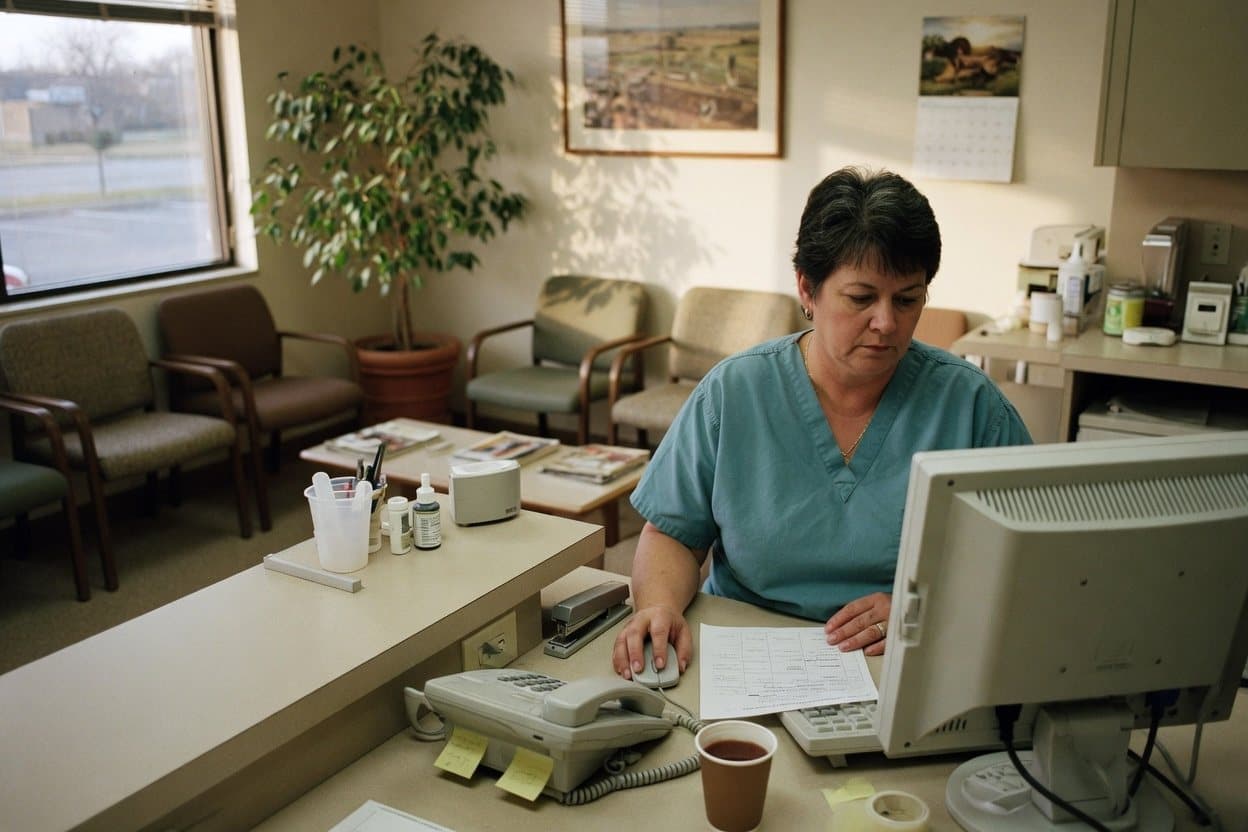
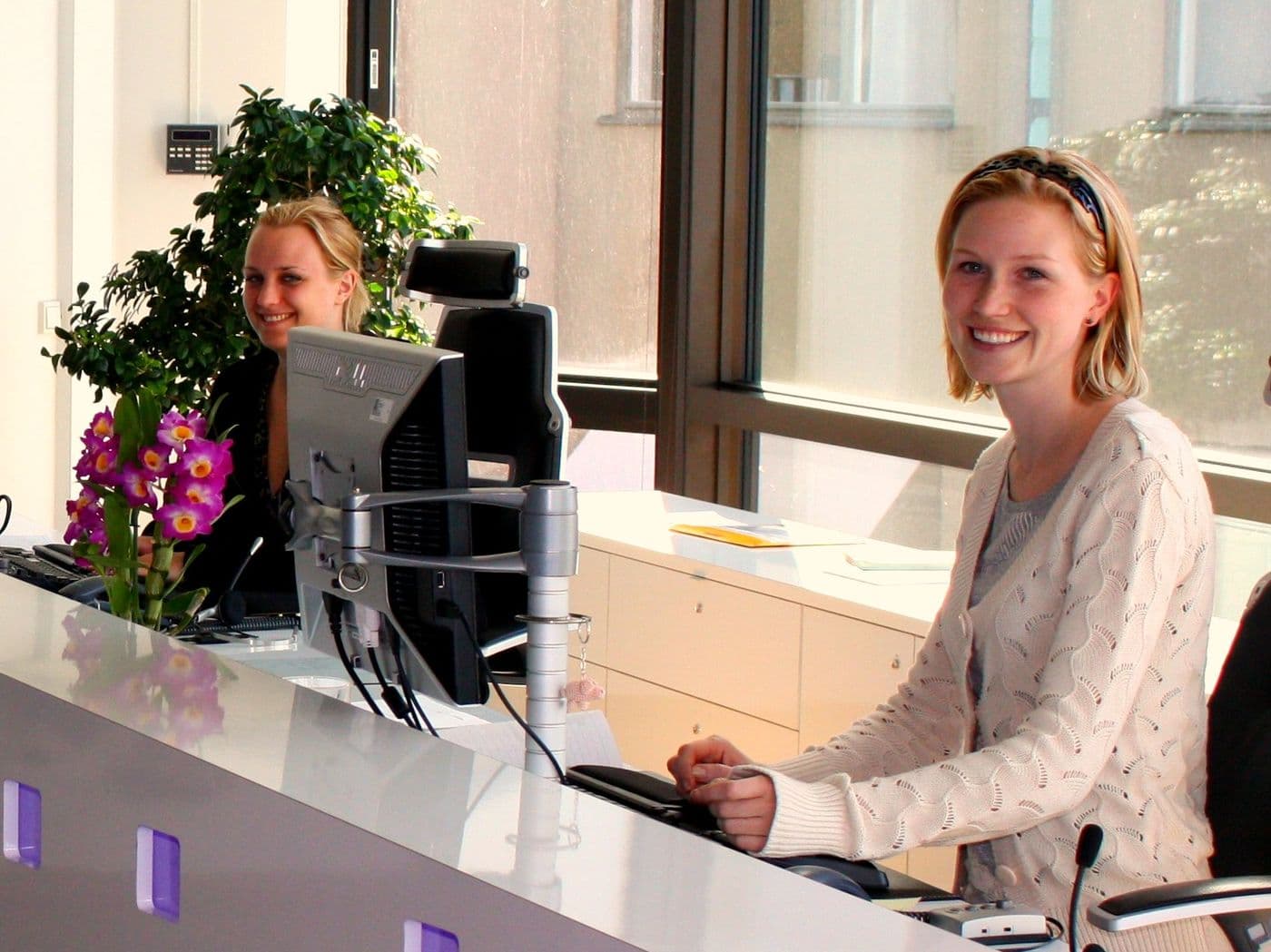
A smiling receptionist at a bright front desk

What a worker never does

  • Sends anything to your customer without the approval you set
  • Decides prices, discounts or commitments
  • Pretends to be a person
  • Gives medical, legal or financial advice
  • Moves or deletes your files
  • Keeps more data than the job needs

For every business

  • People are told up front that they are talking to an automated assistant.
  • Your staff see every booking and approve every callback.
  • It can answer your main line, book appointments and hold calendar slots. You choose which of these it does.
  • Clinics: no medical advice. Emergencies are told to call 911.
  • Ask us about your privacy and compliance requirements on the call.

How we keep workers in bounds →

Tell us how the work moves. We’ll draw the team.

A free 30-minute call with you and the people who do the work. No sales script. You leave with your process mapped, whatever you decide.